
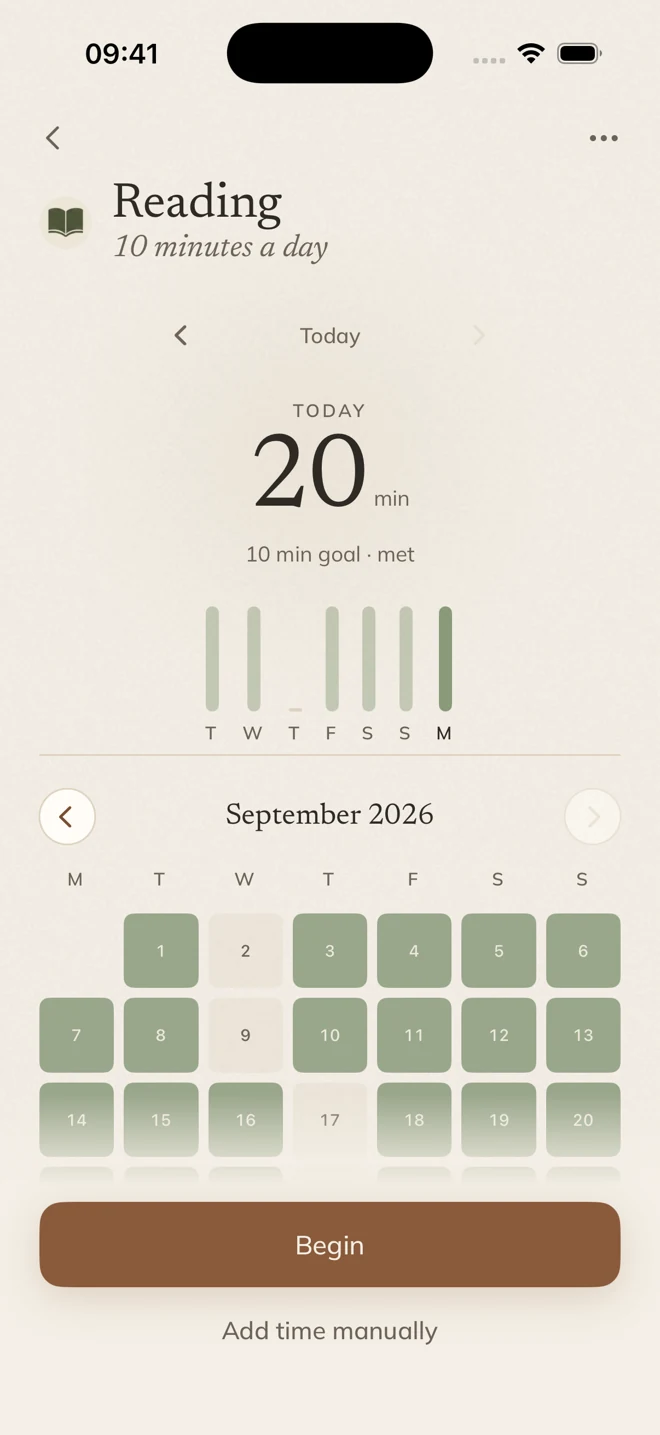
Practice
Count up a meditation or reading session, or set a calm countdown. Stop and log when you’re done.
 monk
monkHabit tracker for iPhone
A calm habit tracker for iPhone, for the habits you’re building and the ones you’re leaving behind.
$7.99 in the US. One purchase. No subscription.
Purchase & refund information
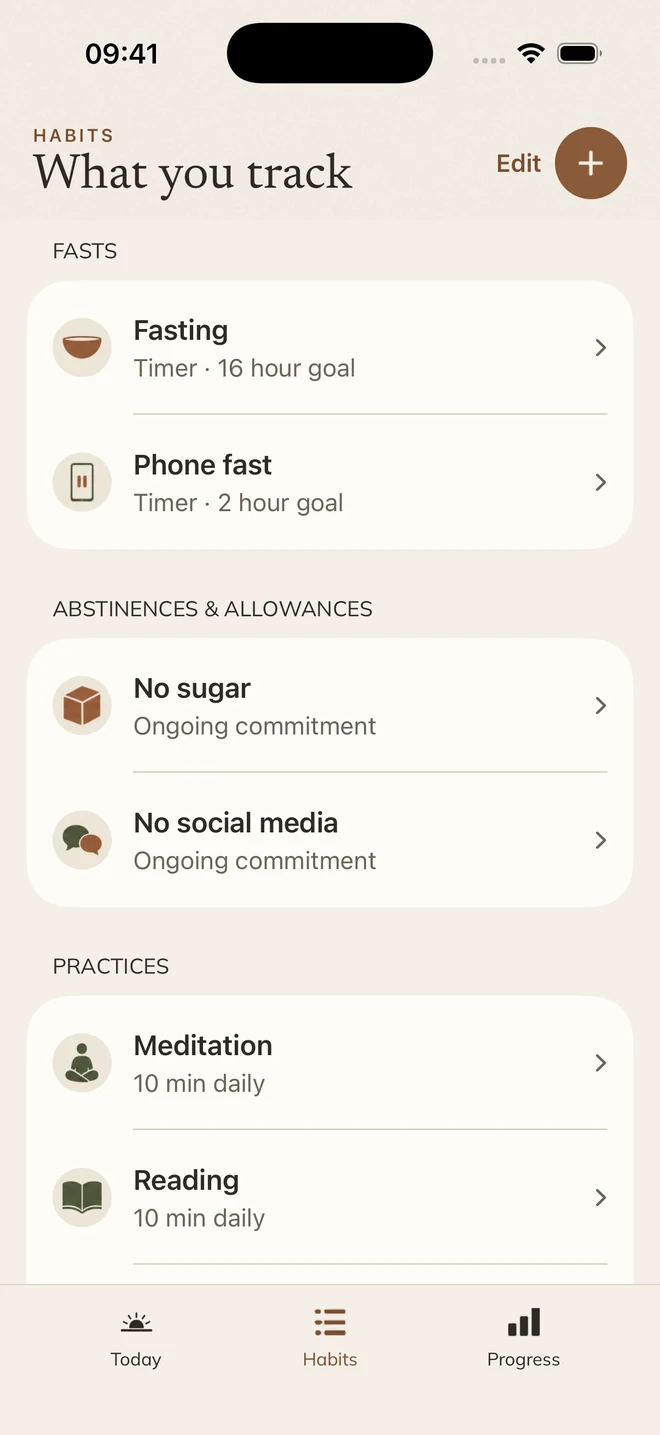
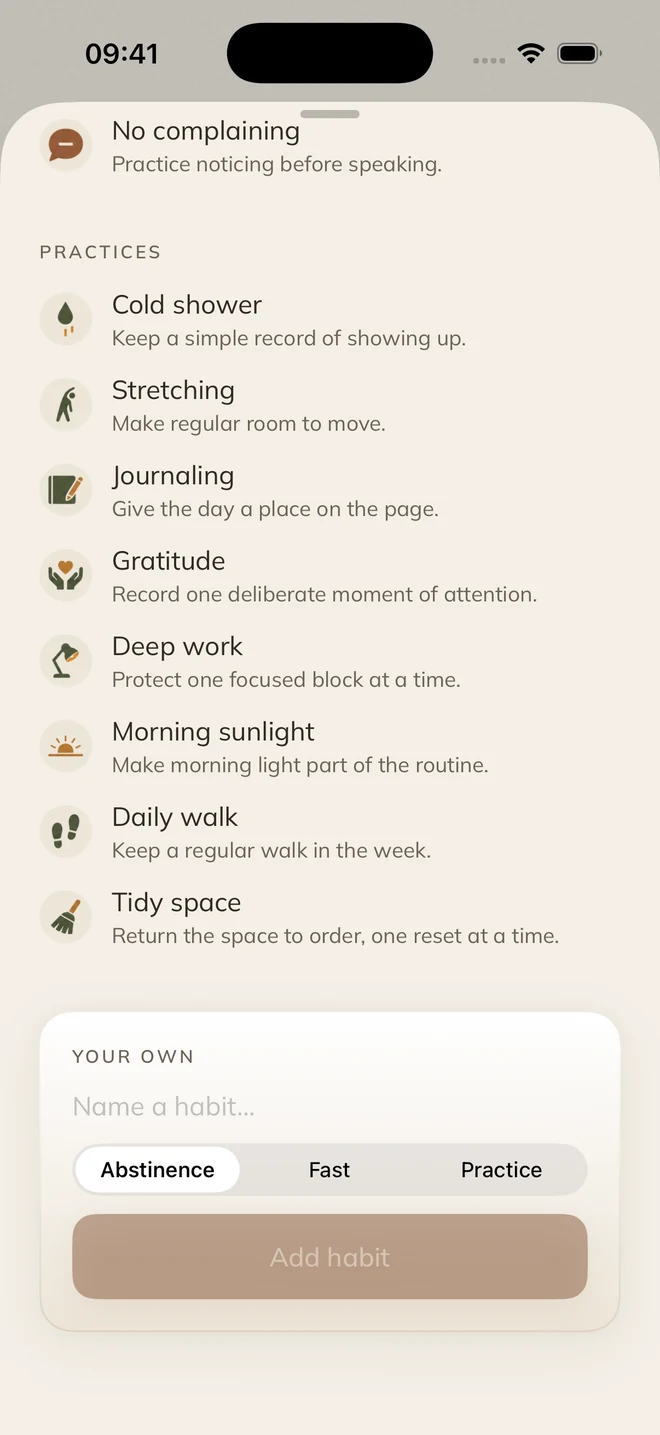
Start with 26 ready-made habits, or create your own. Track what you want more of, what you want less of, and the time you set aside.
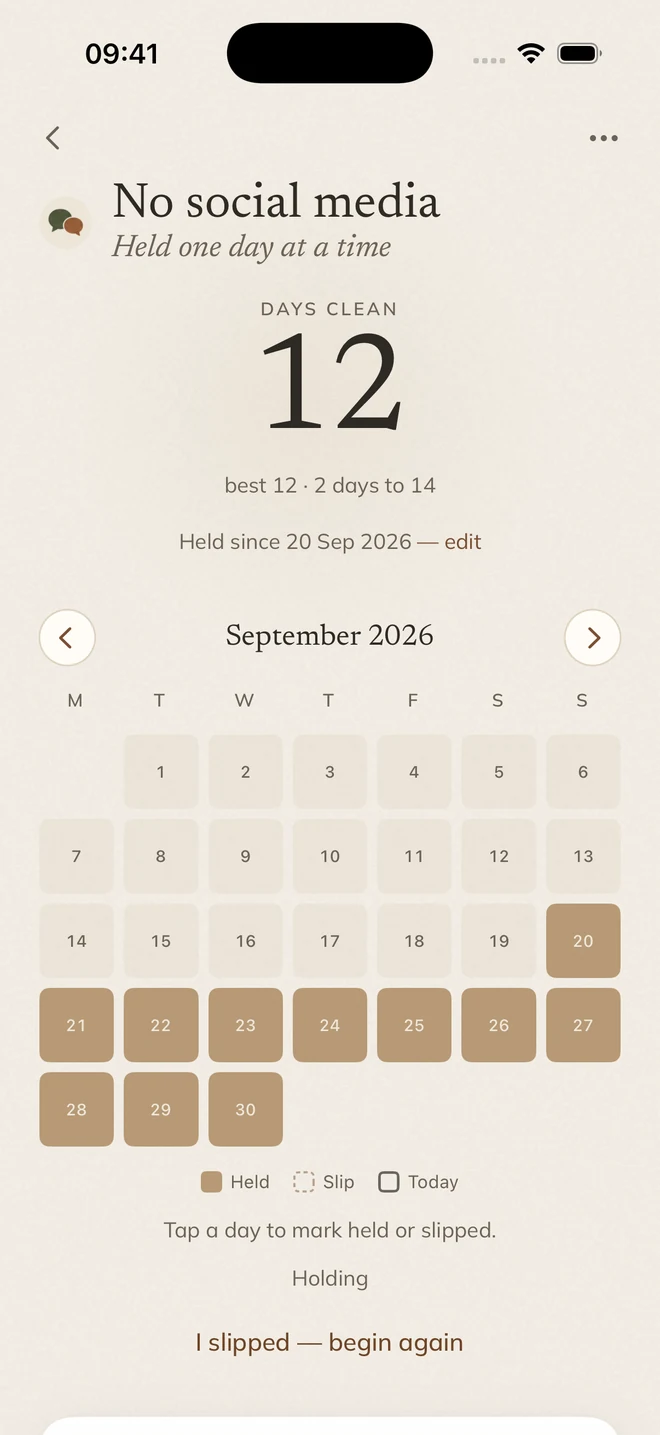
Set each one your way: every day, on chosen days or a few times a week, by minutes or simply done. For what you’re leaving, keep an ongoing commitment, take on a challenge of up to 365 days, or allow yourself a set number of times a week.
Start a timer, put the phone down and let Monk keep count. Every session lands in your history.
Count up a meditation or reading session, or set a calm countdown. Stop and log when you’re done.
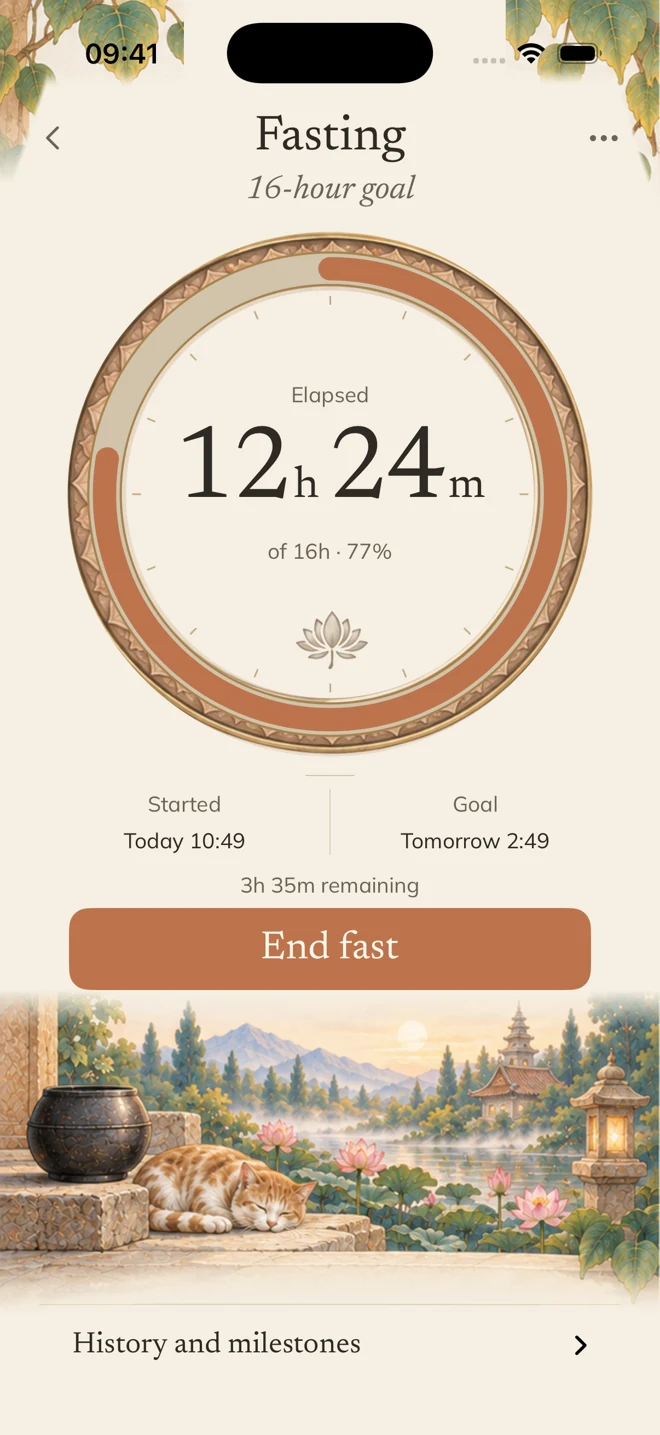
Choose a goal from 1 to 72 hours and follow the time elapsed and remaining. Edit the start if you began earlier.
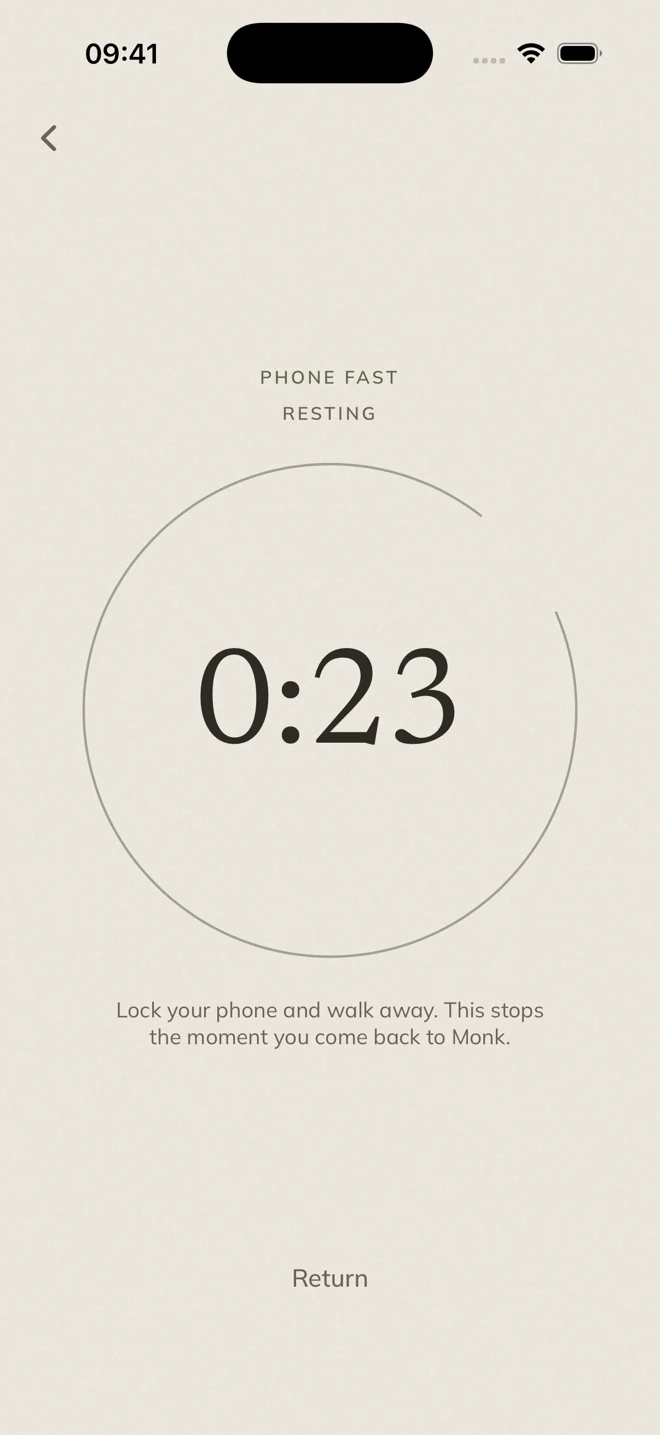
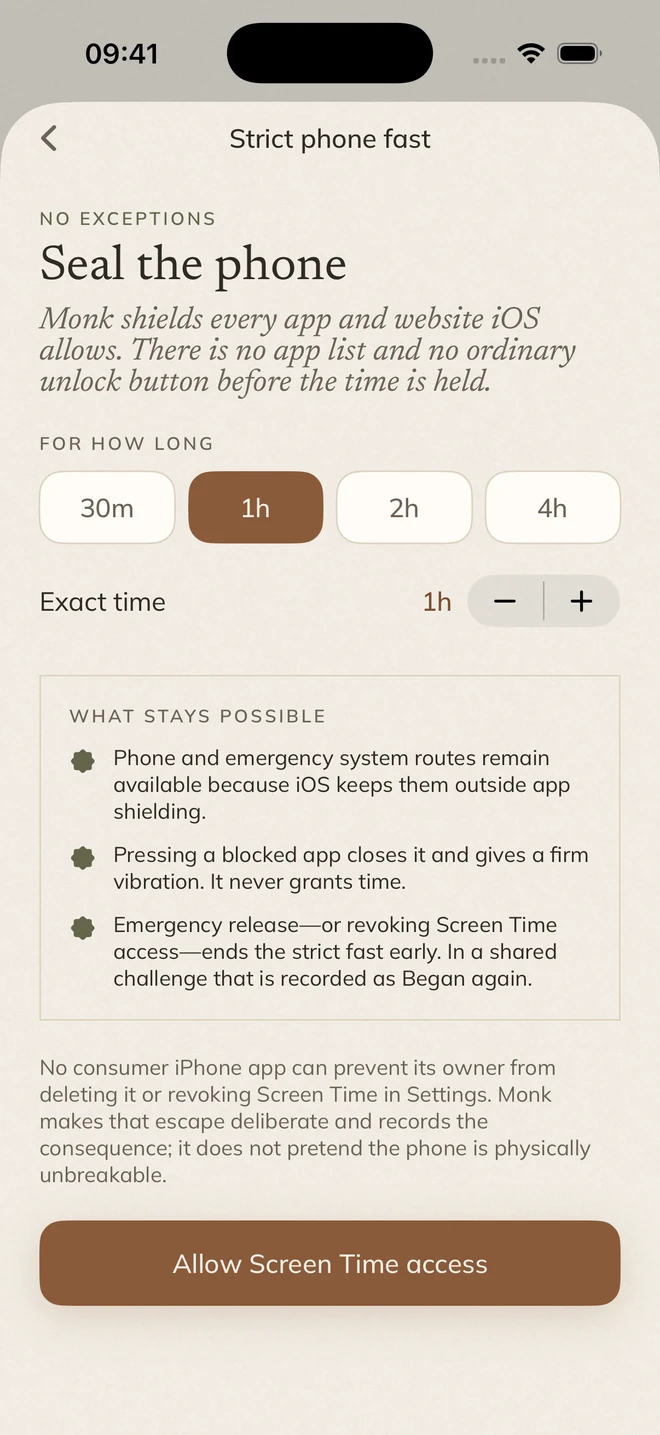
An ordinary phone fast ends when you return to Monk. A strict one uses Screen Time to shield apps and websites until the time is up, with an emergency release if you truly need it.
Running fasts and phone fasts also appear on your Lock Screen and, on iPhones that have one, in the Dynamic Island.
Every habit keeps its own calendar. Look back over the month, see your fasting history, and correct a day you forgot to log.
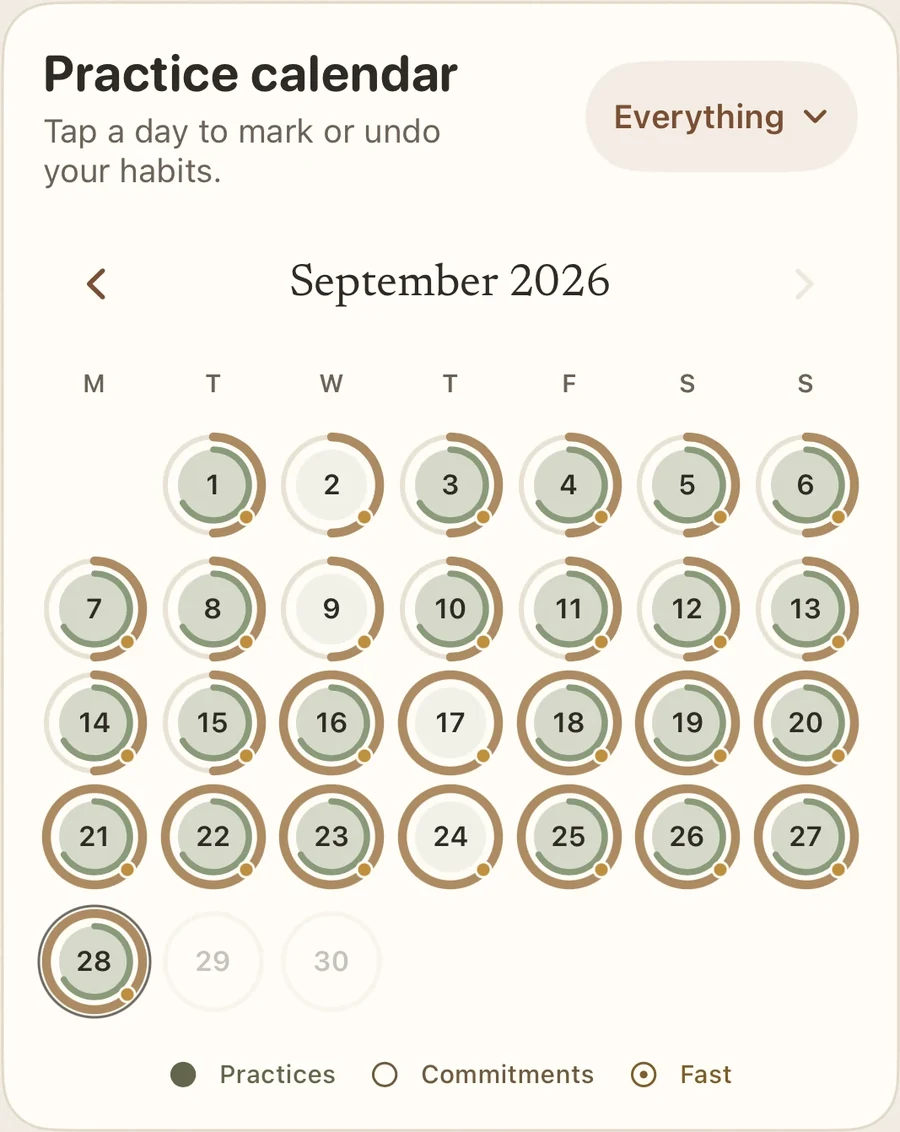
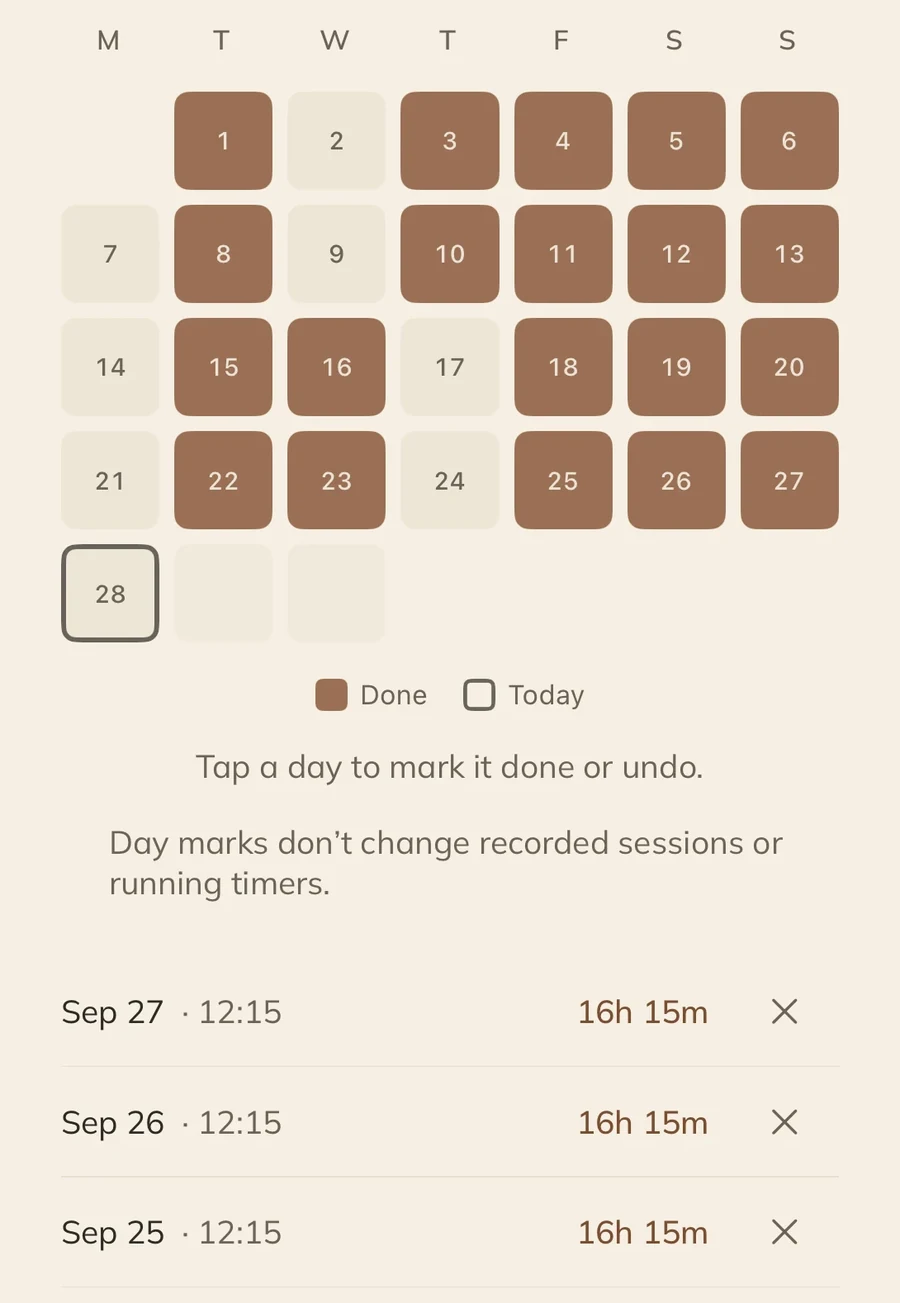
Mark a practice done or log minutes from the Calendar widget. Keep a running fast in view, glance at today, and follow fasts and phone fasts on your Lock Screen.


Six appearances, each in light and dark, and six app icons, all included. Pick one to see the whole app in it.
Monk app · Monk appearance · Light
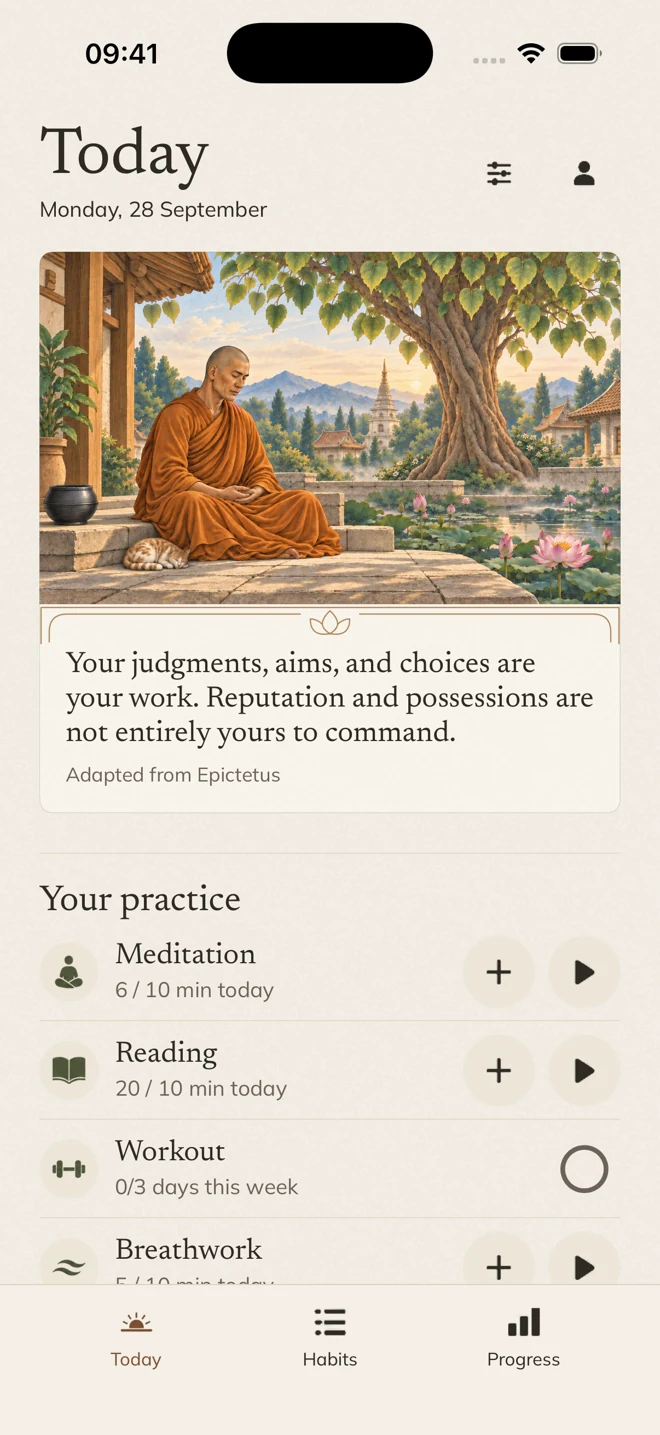
Your practices, your timers, your own daily rhythm. Choose what belongs on Today and keep the next step close.
Open a practice to log time, or mark a completed workout.
Real app screens · Fictional example data
Open Workout, tap today’s date to mark it done, then return to Today to see your updated week.
Monk appearance · Light · Recorded in the app
A thought from Marcus Aurelius, Seneca, Epictetus, Lao Tzu and others, with the source credited.
A quiet ten-minute pause for a difficult moment, one tap away on your Lock Screen.
End the evening with a one-line note, with a reminder at a time you choose or at sunset.
Meditation time can be saved to Apple Health as Mindful Minutes, with your permission.
Export your record whenever you like. Backup and sync with Sign in with Apple are optional.
Commit to a few habits for 3 to 90 days, or take on a challenge of up to 30 days with friends. Friends and challenges need Sign in with Apple.
No trial, no tiers. Everything on this page is in the app.

$7.99 in the US. Local App Store price elsewhere.
Purchase & refund information
Questions
Practices like meditation, reading and workouts, things you want to leave behind like social media, sugar or caffeine, fasts and phone-free time, and any habit you create yourself. There’s no limit on how many habits you keep.
No. Monk is a one-time paid download, with no subscription or in-app purchases. The App Store shows your local price.
No. Monk is one purchase, with no trial or limited version. Apple handles refund requests.
Refund requests for App Store purchases are handled by Apple. Eligibility varies by country or region, and approval isn’t guaranteed. Learn how to request a refund from Apple.
No. Monk works on your iPhone without an account. Sign in with Apple and cloud sync are optional, and require your consent.
Yes. Every widget and Live Activity is part of the one purchase. Available actions depend on the widget and whether your iPhone is unlocked.
Ordinary phone fasting helps you set aside phone-free time and can end when you return to Monk. Strict mode uses Apple’s Screen Time controls to shield supported apps and websites for your chosen period. Screen Time permission is required for strict mode.
Yes. Choose Monk, Stoa, Zen, Vesper, Rose or Simple. Changing the look keeps your habits and history with you.
Monk is made for iPhone and requires iOS 17 or later. Home Screen and Lock Screen widgets offer compact views; available actions depend on the widget and your device’s lock state.